Figma
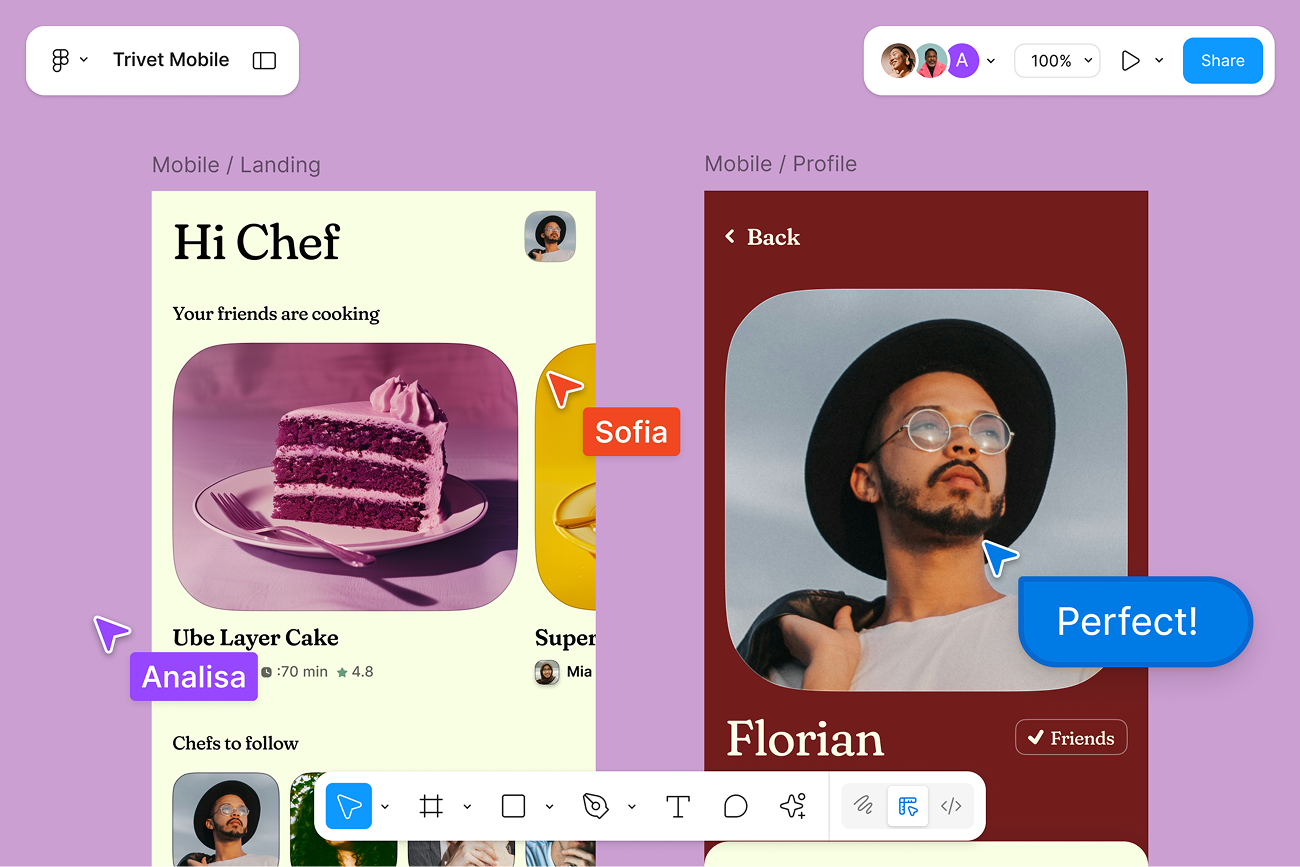
Welcome to Figma
Figma is the home for your entire design process. From early explorations to polished prototypes, Figma helps you go from idea to finished product, faster.
If you're new here, here are some helpful resources to get you started.
Start creating
Start strong with these tools
Get inspired by templates
Discover thousands of templates made by designers like you — everything from UI kits and wireframes to presentations and design systems.
Explore the Community →
Figma Design for Beginners
This beginner-friendly course teaches you the basics, from how to navigate the interface to creating components.
Start learning →
Create with Figma Make
Figma Make generates functional prototypes from your prompts. It's the fastest way to see your ideas take shape.
Start creating →
Get answers anytime
When you run into questions, the Help Center offers clear answers that keep you moving forward.
Visit the Help Center →
Figma is a design platform for teams who build products together.
760 Market Street, Floor 10 · San Francisco, CA 94102
⚠ Hook describes Figma to someone who already chose Figma — they signed up, they know what it is. The first sentence needs to address their real situation: they don't know where to start.
⚠ Four options at equal visual weight — Community, course, Figma Make, Help Center — no priority signal. Equal weight creates paralysis, not action.
⚠ Four competing CTAs — "Explore", "Start learning", "Start creating", "Visit" — none state what happens after the click. Suggestion language, zero consequence.
⚠ No quantified claims — "beginner-friendly", "powerful", "fastest way" are adjectives. New users need time estimates and concrete anchors to reduce activation friction.
⚠ No consequence for inaction — the email never names what the user misses by not clicking. No before/after framing, no urgency.
Figma
Welcome · Day 0
All Plans · Free to start
Day 0 · One action · 60 seconds · No setup required
Most people open Figma
and don't know where to start.
and don't know where to start.
This email fixes that. One action. You'll know immediately whether Figma works for what you're building — and you won't need to read a course to figure it out.
60s
to open your first file
0
setup required
Free
all plans included
Open my first file now →
See what's possible
THE ONLY STEP
Pick a template. Change one thing. That's the onboarding.
Thousands of templates are ready the moment you open Figma. Pick any one. Move a button. Change a colour. In 60 seconds you'll understand the tool better than any tutorial can explain.
No tutorial needed
Any template works
Undo is always there
When you're ready — not today
Figma Design for Beginners
Figma Make
Help Center
Community
❌ Before
Subject: Your next steps inside →
Good subject — but wasted on a hook that describes Figma to someone who just signed up for it. The opening sentence needs to address the reader's actual situation.
✅ After
Subject: You just signed up. Here's what to do in the next 10 minutes.
Addresses the real anxiety of a new user: they don't know where to start. Promises a time-bounded resolution before they even open.
The 5 upgrades — and why they work
1 · Hook: name the problem before pitching the solution
"Most people open Figma and don't know where to start." — this is the actual situation for a new user. Acknowledging it earns trust. Solving it earns the click. The original hook describes Figma to someone who already chose Figma.
2 · Structure: one primary action, everything else secondary
Four equal options create paralysis. The rebuild gives one instruction: open a file, pick a template, change one thing. All other resources move below the fold — available but not competing for attention.
3 · CTA: ownership language over invitation
"Open my first file now →" is a commitment the reader makes. "Start creating" is an offer from the brand. One creates forward momentum and a sense of possession. The other creates hesitation before the click.
4 · Stat cards replace vague adjectives
60s / 0 setup / Free gives the eye three concrete anchors before reading a word. "Beginner-friendly" and "powerful" are claims. "60 seconds, no setup" are facts. New users need facts to reduce activation friction.
5 · Consequence framing — what inaction costs
The original never names what the user misses by not clicking. The rebuild frames it: "you'll know immediately whether Figma works for what you're building." The cost of waiting is personal, not abstract.
This is the Strategic Flow method
Every word earns its place. The reader outcome leads the feature spec. The CTA uses ownership language. The proof is specific, not vague. Visit strategicflow.tech to get started.